Which MailRecovery is best for you?
MailRecovery suite is available in two versions: Client and Server.
The suite contents table to the right shows the programs included in MailRecovery suites. To find out more about each individual MailRecovery component, click the component title.
MailRecovery 2010 suites feature extended support. 1-Year UpgradeSupport package now comes standard with all suites, providing the customer with free updates during the service period.
Order MailRecovery 2010 Suites 
|
|
|
MailRecovery 2010 Suites Components |
|
|
|
|
|
|
 |
|
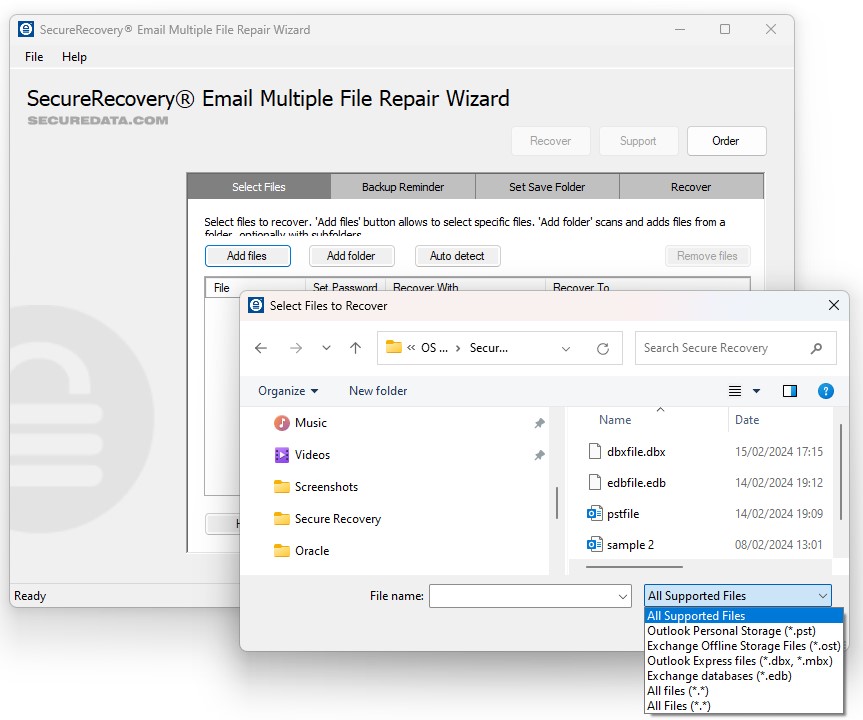
Recovery for Outlook
Repairs corrupted Outlook mailboxes (.pst). The program also supports Exchange Offline Storage Files (.ost).
|
|
 |
|
 |
|
Recovery for Outlook Express
Repairs corrupted Outlook Express mailboxes (.mbx, .dbx).
|
|
 |
|
 |
|
Undelete for Outlook
Undeletes files from Outlook mailboxes. Recovery of messages removed from Deleted Items folder is supported for most occasions, but cannot be guaranteed.
|
|
 |
|
 |
|
Recovery for Exchange Server
Repairs corrupted Exchange Server email databases (.edb, .stm). The program can also be used on healthy databases as EDB to PST conversion tool.
|
|
n/a |
|
 |
|
Recovery for Exchange OST
Converts Exchange Offline Storage File (.ost) into a common Personal Storage File (.pst). This is useful when dealing with Offline Storage Files (.ost) remaining on client computer after Exchange Server crash or accidental lost of Exchange mailbox.
|
|
n/a |
|
 |
|
EDB Diff for Exchange Server
Compare 2 email databases and receive mailboxes and items different in original email databases.
|
|
n/a |
|
 |
|
1-Year UpgradeSupport
One year of upgrades and extended customer support from the date of purchase.
|
|
 |
|
 |
|
MailRecovery 2010 Suites Components |
|
|
|
|
|
|
|