Repair ZIP Files Online
If your ZIP archive has become corrupt or inaccessible, try our online ZIP file repair tool. SecureRecovery® can fix corrupted ZIP files online, conveniently, and without the need to download and install any file repair tools. Our professional-grade file repair technology is built by data recovery experts. It's simple to use and effective, even in severe cases.
If your ZIP file is damaged or cannot be opened, give our online ZIP file repair tool a try. SecureRecovery® is able to repair corrupted ZIP files online, without requiring the download of any file repair tools. Our advanced file repair technology was created by data recovery experts. It's easy to use and works well, even in severe situations.
Fix a Corrupted ZIP File By Following These Steps:
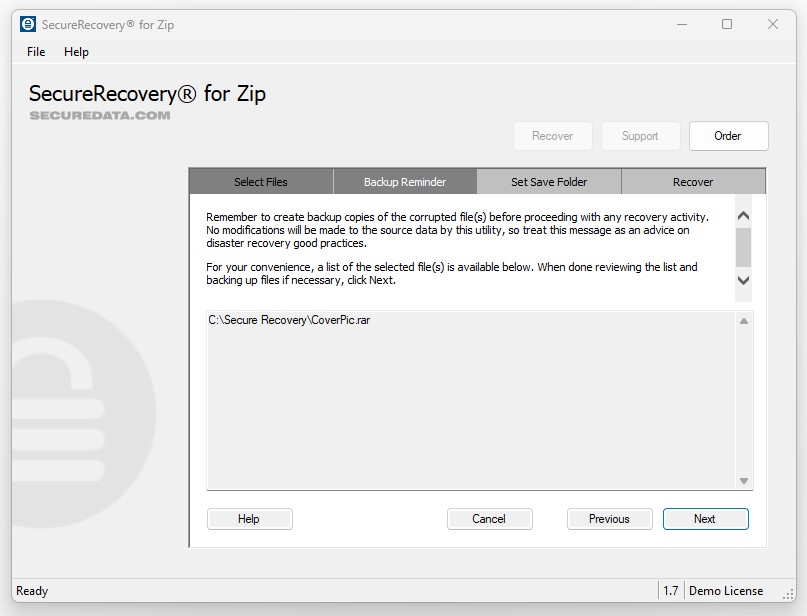
- Upload the corrupted ZIP archive using the recovery form on this page.
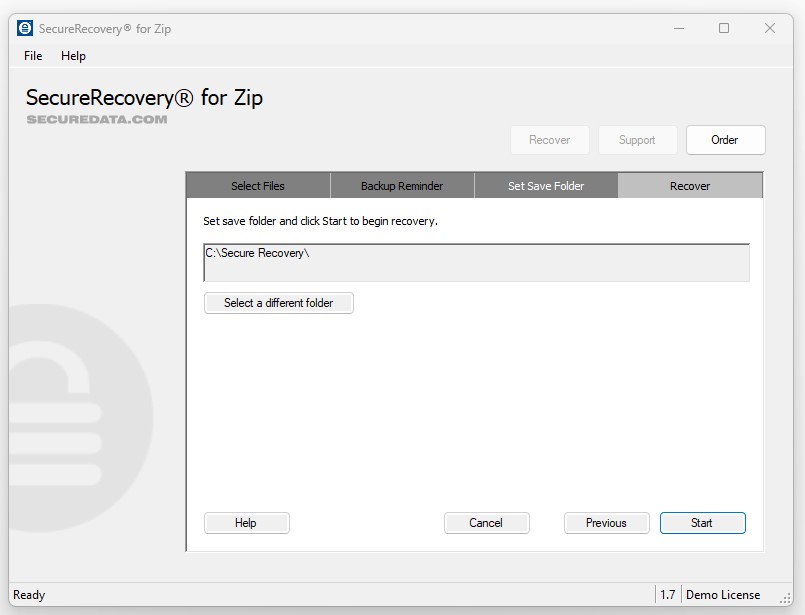
- Wait for SecureRecovery® for ZIP Online to process and fix your document.
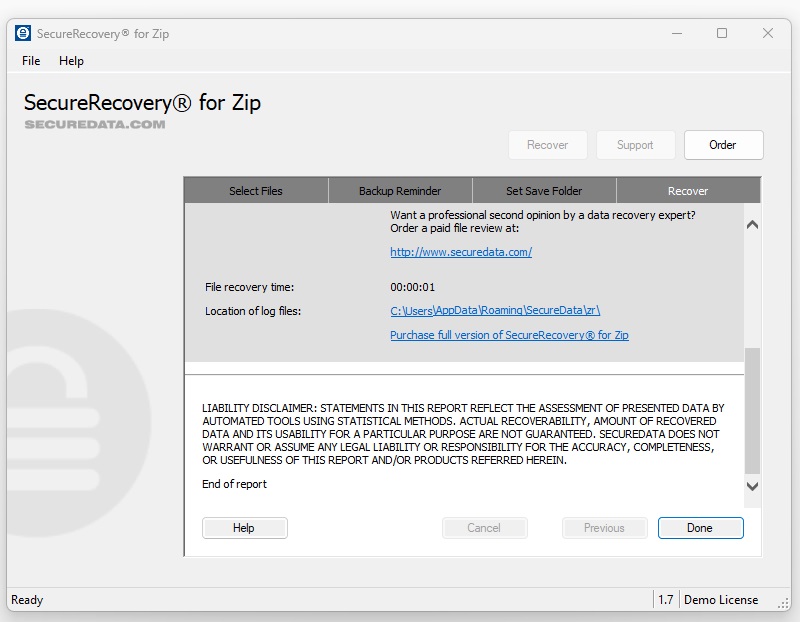
- The results from this demo tool allow you to evaluate the recoverability of your file.
- If the file is fixed successfully, proceed with payment to get full recovery results.
- If you receive a message “No data to recover,” you can request a file review by our specialists to see if they may be able to recover your file.
Our Demo tool has two typical outcomes for results:
1. A limited amount of data from the damaged file can be fixed. Other repaired data will be presented as placeholders labeled "demo"; To receive the full amount of data, proceed to payment for the full version.
2. The Data analysis may find the document cannot be fixed. A "No data to recover" message will be shown in this case. Reach out to one of our specialists for further assistance.
Is It Possible To Recover ZIP Archive Files Online?
If a ZIP file gets corrupted, it becomes unusable and cannot be opened with a ZIP reader. There are various factors that can lead to the corruption of a ZIP file. It is sometimes possible to repair and restore a corrupted archive file.
SecureRecovery® for ZIP Online provides an online solution to quickly recover a damaged ZIP file. Simply upload the corrupted file through your browser. You will be provided with a demo recovery result file. To obtain a fully restored ZIP file, opt for the paid solution.
If your ZIP file becomes corrupted or inaccessible upon opening, there is still hope for recovery. Try out our demo software for document repair before moving on.








![How to Fix Corrupted Files: Over 30 File Types [2024]](https://assets-global.website-files.com/64a8b53d04ca7c8ef6fa1e46/65e75f3e989fcaef5a2a15a3_corrupt-file-image-thumb.webp "How to Fix Corrupted Files: Over 30 File Types [2024]")


.png)
